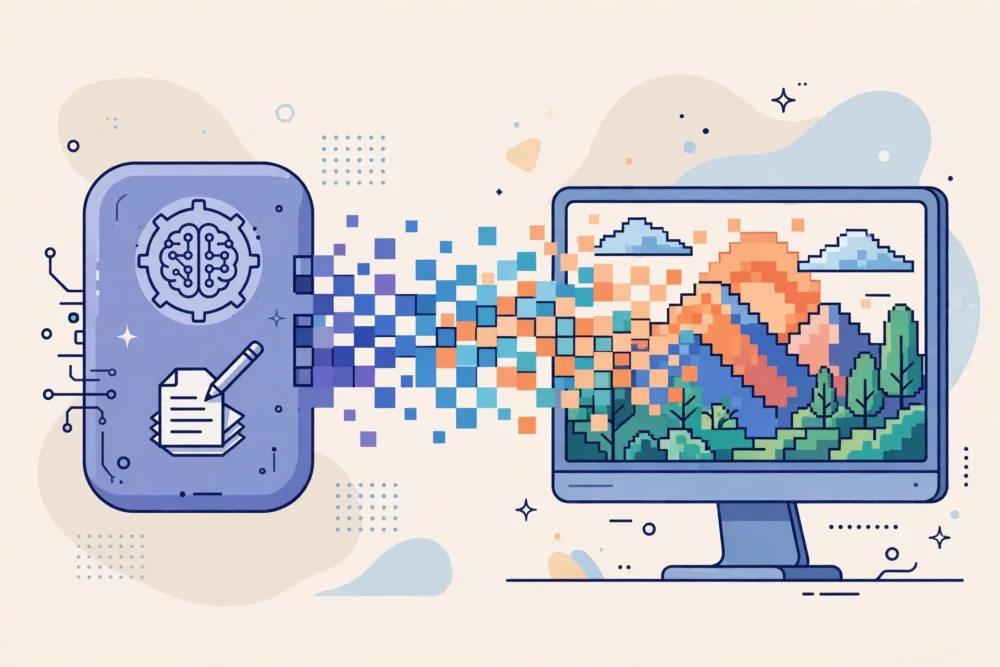
Type a sentence into an AI image tool, and seconds later you get a picture that never existed before. It can feel like magic, but the process is easier to understand than it looks. An AI image tool does not take a photo or copy a picture from the internet. It creates a new image by predicting what pixels should look like, based on patterns it learned from huge amounts of existing images and text.
From Words to a Picture
When you write a prompt, the tool first turns your words into a kind of instruction. It understands the main subjects, such as “a cat” or “a mountain cabin,” and details like style, lighting, and colour. Clear, specific prompts usually give better results than vague ones, because the tool has more to work with.
The tool then starts with a noisy, random image and gradually refines it, step by step, until it matches the prompt more closely. This is why the same prompt can give different results each time: the starting point is random, and small changes lead to different pictures.
What Training Teaches the Tool
Before you ever use it, an image tool is trained on millions of image-and-text pairs. From these, it learns patterns: cats usually have ears and whiskers, skies are often blue, and a portrait usually shows a face in the centre. It does not store copies of those training images to paste together. Instead, it learns general patterns and uses them to build something new.
That also explains common mistakes. Hands, text in images, and complex scenes can look strange, because those patterns are hard to learn perfectly. If a result looks wrong, it is not a bug in your prompt. It is a limit of what the tool has learned.
How to Write a Better Prompt
Start with the subject, then add setting, style, and mood in that order. For example: “A small wooden cabin in snowy mountains, warm light in the windows, cosy storybook illustration style.” Adding too many unrelated details can confuse the tool, so keep the prompt focused on one main scene.
If the first result is close but not right, change one thing at a time: the style, the lighting, or one detail. Changing everything at once makes it hard to tell what helped.
Check Before You Use an Image
AI images can look convincing while being inaccurate. Check details carefully before using an image for anything important, especially if it shows people, places, or text. Do not present an AI image as a real photograph, and check the tool’s rules about commercial use and credit.
Also think about fairness and respect. Avoid prompts that copy a living artist’s distinctive style without permission, or that create misleading images of real people. Using the tool creatively and honestly keeps it useful for everyone.
A Worked Example: Writing One Prompt Three Ways
The same idea gives very different results depending on how the prompt is written. Take a simple subject: a cat sitting by a window.
Vague prompt: “a cat”
Result: usually a generic cat, in a random setting, with no clear mood or style. The tool has to guess everything you did not say, and its guesses may not match yours.
Better prompt: “A ginger cat sitting on a wooden windowsill, looking out at rain, soft evening light, realistic photo style.”
Result: much closer to a specific image, because the subject, setting, lighting, and style are all named.
Even better, focused prompt: “A ginger cat sitting on a wooden windowsill, looking out at rain, soft evening light, realistic photo style, calm and quiet mood.”
Result: similar to the previous one, with a clearer mood. Notice what was not added: a second cat, a garden, a story about the cat, and five other details. One main scene, described clearly, beats a long list of unrelated ideas.
If the result is close but the light is wrong, change only the lighting: “warm morning light” instead of “soft evening light.” If the cat’s pose is wrong, change only the pose. One change at a time tells you what actually helped, and it builds a sense of how the tool responds to your words.
What AI Images Are Good For — and What They Are Not
Good uses:
- Illustrations for a story, blog post, or presentation, where an original image is needed quickly.
- Exploring visual ideas: trying different styles, compositions, or moods before committing to one.
- Placeholders and mock-ups, to test how an image will look in a layout before a final image is made.
- Creative play: imagining scenes that would be hard or impossible to photograph.
Weak uses:
- Accurate pictures of real people, places, or events. The tool invents details, so it cannot be trusted for facts.
- Images with readable text, signs, or labels. Text in AI images is often misspelled or garbled, because the tool learns shapes, not letters.
- Images that must be legally precise, such as product photos, medical illustrations, or evidence. A plausible-looking image is not an accurate one.
- Presenting an AI image as a real photograph. That misleads viewers, even if the image itself is harmless.
Knowing these limits before you start saves frustration later. The tool is excellent at imagination and poor at accuracy, and using it for imagination is where it shines.
Common Mistakes to Avoid
Writing a prompt like a story, not a description. “Once upon a time there was a cat who loved rain…” gives the tool a narrative, not a visual scene. Describe what should be visible: subject, setting, style, lighting, mood, in that order.
Adding too many details at once. Ten unrelated details pull the image in ten directions, and the result often ignores half of them. Keep one main scene, and add details only if they serve that scene.
Changing everything when a result is close. If the image is almost right, change one element and try again. Changing the subject, style, and lighting together makes it impossible to tell what improved the result, and you may lose the part that was already working.
Trusting the first result. The first image is a starting point, not a finished product. Generate a few versions, compare them, and pick the best, or combine the best prompt elements from different attempts.
Ignoring the tool’s rules. Different tools have different rules about commercial use, credit, and what kinds of images are allowed. Check the rules before using an image publicly or commercially, and keep a note of which tool made it.
Your AI Image Checklist
- My prompt names one main subject, plus setting, style, and mood.
- I kept the prompt focused on one scene, not a list of unrelated ideas.
- I generated a few versions and compared them before choosing.
- I changed one thing at a time when refining the prompt.
- I checked the details — hands, faces, text — before using the image.
- I did not present the image as a real photograph.
- I checked the tool’s rules for the use I have in mind.
FAQ
Why does the same prompt give different images each time?
Because the tool starts from a random, noisy image each time and refines it step by step. The randomness means small differences in the starting point lead to different final images, even with identical words. That is why generating several versions is normal, not a sign that something went wrong.
Can AI images be used commercially?
It depends on the tool and its terms. Some tools allow commercial use of images you generate; others restrict it, or require a paid plan or credit. Always check the terms of the specific tool you used, before publishing or selling an image.
Why do hands and text look strange in AI images?
Because hands and text have complex, variable patterns that are hard to learn from training data alone. A hand can appear in many poses, and text requires exact letter shapes in exact order. The tool predicts likely pixels, not exact anatomy or spelling, so errors appear in exactly those areas.
Will AI image tools replace photographers and illustrators?
For some quick, generic illustrations, they already provide an alternative. For accurate, original, and emotionally specific work — a real person’s portrait, a brand’s visual identity, a story only one artist can tell — human skill still matters. The most useful approach for most people is to use AI images as a creative helper, and human creators where accuracy and originality matter most.
Conclusion
AI image tools turn a text prompt into a new image by following patterns learned from training data, refining a rough image step by step. Understanding that process helps you write better prompts, expect realistic limits, and check results before you use them. The tool is a creative helper, not a camera, and it works best when you guide it clearly and judge the result yourself.